
Cromwell Arrests Start Locally
Every Cromwell arrest begins at the local level. The Cromwell Police Department creates the first record when its officers make the arrest. No fixed Middlesex County jail roster gathers each town event. Connecticut's old county jail system is gone. Records today start with municipal police, Connecticut State Police, or whichever agency had authority over the incident.
Processing can end several ways. A person may be released, held under a municipal or regional arrangement, brought to court, or admitted to a Connecticut Department of Correction facility. Public sources name no guaranteed jail for every arrestee. That is why the arresting agency, incident number, and date matter more than a guessed facility.
Cromwell Daily and Weekly Logs
Cromwell has the clearest two-level publication among these Middlesex communities. The official Daily Activity Log page links dated activity documents. It also links the latest press arrest log. Daily activity shows calls and dispositions. These include codes for a criminal arrest or a motor-vehicle misdemeanor. Not every row is a booking. Read the incident type and disposition together.
The press arrest log is a different product. It covers people taken into custody for a crime. It also covers a statutory violation requiring a court appearance. One weekly edition covered July 14 through July 20, 2025. It carried a July 21 run date. That period-and-run-date split makes the log useful for recent arrests but not for minute-by-minute custody. It is a window, not a live feed.
| Publication | Best use | Main caution |
|---|---|---|
| Daily activity log | Check dated police activity and disposition codes | An activity row is not always a criminal arrest |
| Press arrest log | Review a weekly or multi-day arrest summary | Run date may follow the covered period |
| Records request | Seek a report or item missing from a log | Cost and timing come from the clerk |
| Court lookup | Follow the docket and disposition | It is separate from the police publication |
Cromwell Recent Arrest Channels
Start with official police sources. The courts, the DOC, and victim-notification systems answer later-stage questions, while local news stays secondary and may show a scene photo rather than a booking image.
| Channel | Photos? | Authority and scope |
|---|---|---|
| Cromwell Daily Activity Log | No routine gallery | Official daily police activity with coded outcomes |
| Cromwell press arrest log | No routine photos | Official weekly or multi-day arrest publication |
| Cromwell Police records | Ask about the specific item | Official report request path by name or case number |
| Judicial Branch criminal search | No booking gallery | Official case and disposition path |
| DOC inmate search | May include a DOC image | Official state custody, not every local arrest |
| CT Insider or other news | Varies | Secondary event reporting, sometimes with courtesy images |
Cromwell publishes no booking-photo gallery. The DOC may display an image inside a state custody record. Its own rules govern that display. That image does not belong in a city arrest gallery. The major commercial mugshot sites list no verified current Middlesex County local section.
Find Arrested People in Cromwell
Start every lookup with the date and the agency. A name alone is not enough. Match it against an incident number, age, place of arrest, charge, or court docket before treating it as the same person.
- Open the current official Daily Activity Log index and select the date closest to the event.
- Read the activity category and disposition code instead of assuming every row is an arrest.
- Open the current press arrest log for the broader week and compare the covered period with its run date.
- Call the Cromwell Police records clerk with the person's name or case number when the log lacks needed detail.
- Check the Judicial Branch criminal lookup for a docket, scheduled court event, and later disposition.
- Use DOC inmate search only for possible state custody and VINE for covered court or DOC notifications.
A blank result does not mean no arrest occurred. Publication can lag. The event may belong to another agency, a record may be protected, or the person may have been released before entering DOC custody. For a quick check on new events, compare the official routes on Arrests Last 24 Hours.
Reading Cromwell Arrest Entries
The press log lists name, race, sex, age, and address. Arresting officer, incident number, date, time, and place of arrest follow. Court date, charges, counts, and bond amount come next. Each field has a narrow meaning. The incident number ties the row to the police matter. A court date is just a scheduled step. Bond is a release condition, and the amount can change after it is set.
The publication date is data too. A weekly record run after its covered period can be accurate within scope. Yet it may omit a newer event. Keep the PDF period, run date, and source agency with any citation. An old direct PDF is not a live index.
Daily activity codes work only in context. A criminal-arrest code can flag an arrest-related event. Other codes describe police work that never produced a custodial arrest. The press log carries the fuller arrest fields. Comparing both records keeps police activity from collapsing into one misleading booking list.
Cromwell Police Arrest Records
The Cromwell Police Department page tells anyone seeking a report to call or use the report and records menu. Have a name or case number ready. The clerk explains whether the report is available, what it costs, and when it can be obtained. Infer no fixed fee or turnaround beyond the official instruction.
Cromwell Police Records
Cromwell Police Department
5 West Street
Cromwell, CT 06416
Main: 860-635-2256
Records: 860-635-4647
Fax: 860-635-8248
Administrative and records hours: Monday through Friday, 9 a.m. to 4 p.m.
The records line handles routine requests.
Officers work around the clock, but listed administrative and records hours govern routine records work. Emergencies go to 911. Give the clerk the incident date, the record type, and the case number if known. For a photo, audio file, or video, identify it directly and ask about access and processing. Protected material is not guaranteed release.
Cromwell's criminal-history-check form asks for arrest date, charges, disposition, and disposition date. It is a request form, not a name search. The disposition field links police and court records.
Cromwell Arrest Records Office
The official Cromwell Police Department page lists agency contacts, service hours, and how to request a report.
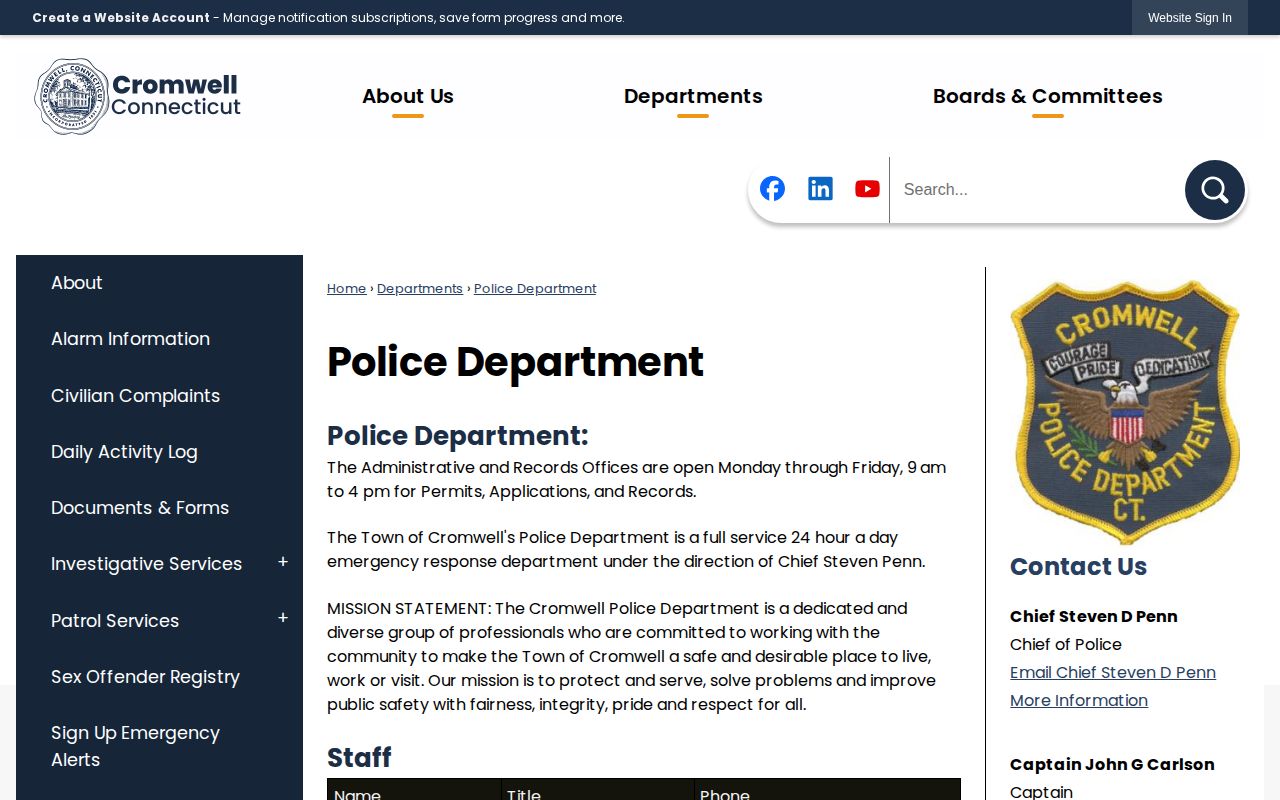
The department page is the place to escalate. When a daily or weekly log does not answer a records question, this office handles it directly.
Cromwell Arrest and Custody Split
Each system answers a different question. A Cromwell police log is the agency's own account of an arrest. A Judicial Branch result is a court record. A DOC hit means the person has a state custody record under DOC search rules. VINE sends notifications for covered court and correction events. These records can overlap, yet none replaces the rest. Someone processed and released in Cromwell may show in the weekly log but never in DOC search. A person admitted to DOC can move between facilities, so the live custody location shifts over time. Court cases can also keep going after release. So write down the date and source of every check. Federal and immigration custody run on separate systems, and a Connecticut DOC or VINE no-result says nothing about them. For the original Cromwell police report, the arresting agency remains the right source.
Cromwell Arrest News Context
News coverage adds color, not a blotter. CT Insider and Middletown Press run event-driven stories about Cromwell police work. An article may explain an investigation or preserve a press statement. It is not a running log, though. Its image could be a police courtesy photo or another event picture. It may not be a booking photograph. Check the date, the named source, and current court status. Patch and other regional outlets carry police announcements too. Treat them as secondary. RecentlyBooked, Mugshots.com, Arrests.org, Mugshots.zone, and Busted Newspaper list no current Middlesex County local section. CTArrests.org keeps a stale county-style directory with a false county-sheriff claim. It is no help confirming a Cromwell arrest. Cromwell's real strength is official source depth. The daily activity index and press arrest log each reveal a different slice of police work. The records clerk, the court system, and DOC search fill the gaps.
Cromwell Arrest Source Dates
Dates matter with Cromwell records. Carry the source date with every citation. A daily file covers one stated date. A press log groups arrests across its period and may appear a day later. A newer news item can report a fresh event without touching either older PDF. Conflicting sources happen. Use the incident number and arrest date to tell whether two records describe the same matter, then consult the agency or the court file. Never merge people over a shared name. Cromwell's form can hold a disposition date, but the finished request still will not replace the current Judicial Branch docket. That layered habit guards against stale summaries and keeps each record in its own lane.
Cromwell Police Department Location and Directions
Search Public Records
Sponsored Results