
How Clinton Arrests Are Recorded
When Clinton Police make an arrest, the department holds the first record. The town publishes no daily arrest page, no weekly blotter, and no public booking roster. So the official path starts with a police report request. Skip the guessed URLs and commercial directories. Clinton recent arrests begin at the department itself.
No sheriff-run jail in Middlesex County collects these records. Someone arrested in Clinton may be released after local processing. They may be held under a municipal or regional arrangement pending court. Or they may be moved into Connecticut Department of Correction custody. The town where the arrest happened does not tell you where the person ends up. A different agency may have made the arrest. It could be Connecticut State Police or another department. That agency owns the initial record instead.
No Clinton Arrest Feed Found
The town's official pages include the Police Department site and a Records Request page. There is no public same-day or multi-day arrest log. That gap does not mean Clinton makes no arrests. It means the first report comes through a request channel. Court and custody systems cover the later stages.
Private sites often assume every county runs a sheriff, a jail roster, and a photo stream. Middlesex County does not fit that model. Connecticut abolished county government long ago. Former county-jail functions now sit inside the state system. Clinton keeps responsibility for its own municipal police records, within state public-record and disclosure limits.
One more caution. Cromwell's daily activity log and Middletown's adult log cover only their own towns. Those records describe their departments' arrests, not Clinton's. If the arresting agency was not Clinton Police, find the actual state, local, or federal office before sending any request.
Where Clinton Recent Arrests Appear
Clinton's source order starts with an official request rather than a public log. Each channel below covers a different stage. A record can show up in one and not another.
| Channel | Photos? | Use and limit |
|---|---|---|
| Clinton Police records request | Can request photos | Official initial report route; release and redaction rules apply |
| Connecticut Judicial Branch | No booking gallery | Official case, event, status, and disposition information |
| Connecticut DOC search | May show a DOC image | Official state custody only, not every Clinton arrest |
| CT VINE or CT SAVIN | Not a photo feed | Notifications for covered court and DOC events |
| Clinton Alert Center | Varies by notice | Official general alerts, not a proven arrest roster |
| Patch and CT Insider | Varies | Secondary event coverage, not an agency record |
The request form mentions photographs, but that is not an online mugshot feed. A booking photo may need added processing and separate review. Clinton offers no public gallery, and images from unofficial publishers should never be copied into one.
Find Someone Arrested in Clinton
Start with the basics. Who made the arrest, and roughly when? A Clinton address alone tells you little, since the arrest may have been handled by state troopers or a neighboring department rather than Clinton Police.
- Check the Clinton Police source pages for any current announcement tied to the incident.
- Gather the person's name, date of birth if lawfully known, event date, and case number if available.
- Use the Clinton report form and select the Arrest Report option for the initial police record.
- Ask the records office about applicable charges, availability, and processing rather than assuming a fixed fee or deadline.
- Search the Judicial Branch criminal system after a docket is created and confirm later facts with the listed court.
- Check DOC only if state custody is plausible, and register with VINE for supported court or DOC updates.
A search that comes back empty rarely tells the whole story. Clinton handles its multi-day blotter through a request-only route. A blank court or DOC result does not mean no arrest happened. Filing can lag behind the actual booking. A person may walk free before any DOC entry appears, or the record may be shielded from public view. The county's Police Blotter page spells out how these municipal publications differ from town to town.
Request Clinton Arrest Reports
Clinton gives residents a direct path to arrest paperwork. The Clinton Records Request page links a form called Request a Copy of a Police Report. Two selections matter here. You can pick an Incident Report or an Arrest Report.
The form then asks for identifying details: name, date of birth, case number, and your contact information. Fees are not posted online. Instead, the form points to the Records lobby fee sheet for applicable charges. Photographs, tapes, and videos may need added processing time, the form warns. So skip guessing at prices. Send the request and let the department respond.
Clinton Police Records
Clinton Police Department
170 East Main Street
Clinton, CT 06413
Phone: 860-669-0451
Fax: 860-664-4999
The department operates 24 hours.
The department page lists Chief Vincent DeMaio and Records Clerk Pamela Ferrier. Still, route your request through the published workflow. Staff assignments shift over time.
Include the incident date, the report type, and the case number if you have it. Expect some material to stay out of reach. Protected victim, witness, juvenile, erased, sealed, and investigative content may be withheld or redacted by law.
Clinton Arrest Request Screen
When no arrest-log entry is posted online, the town's official Clinton records page is the public route to request one.
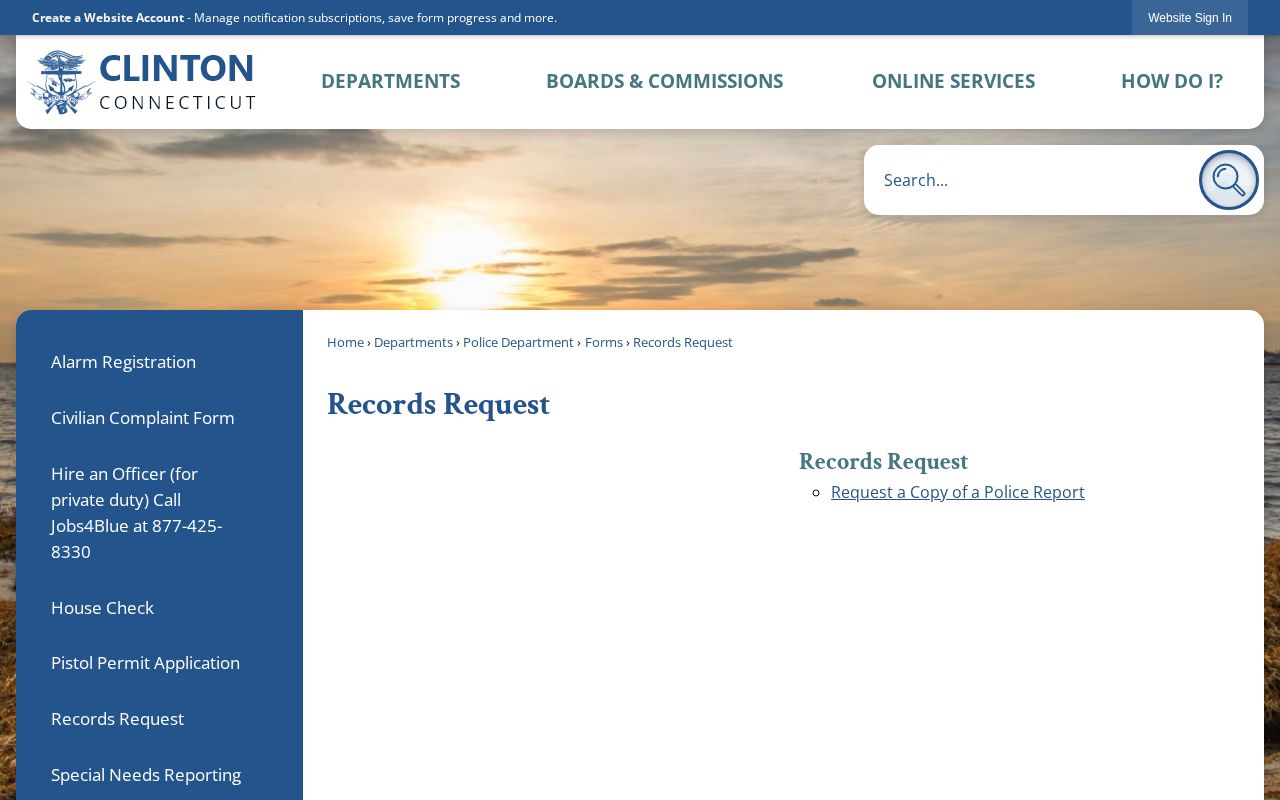
The Records Request page shows where the town directs requesters. Its linked form supplies the fields for an arrest report and notes how the request gets processed.
Clinton Alerts Are Not Arrests
Clinton's Alert Center, Notify Me features, and RSS tools spread official town notices. None of them serves as a complete arrest feed. A notice is a dated agency communication, not a roster row.
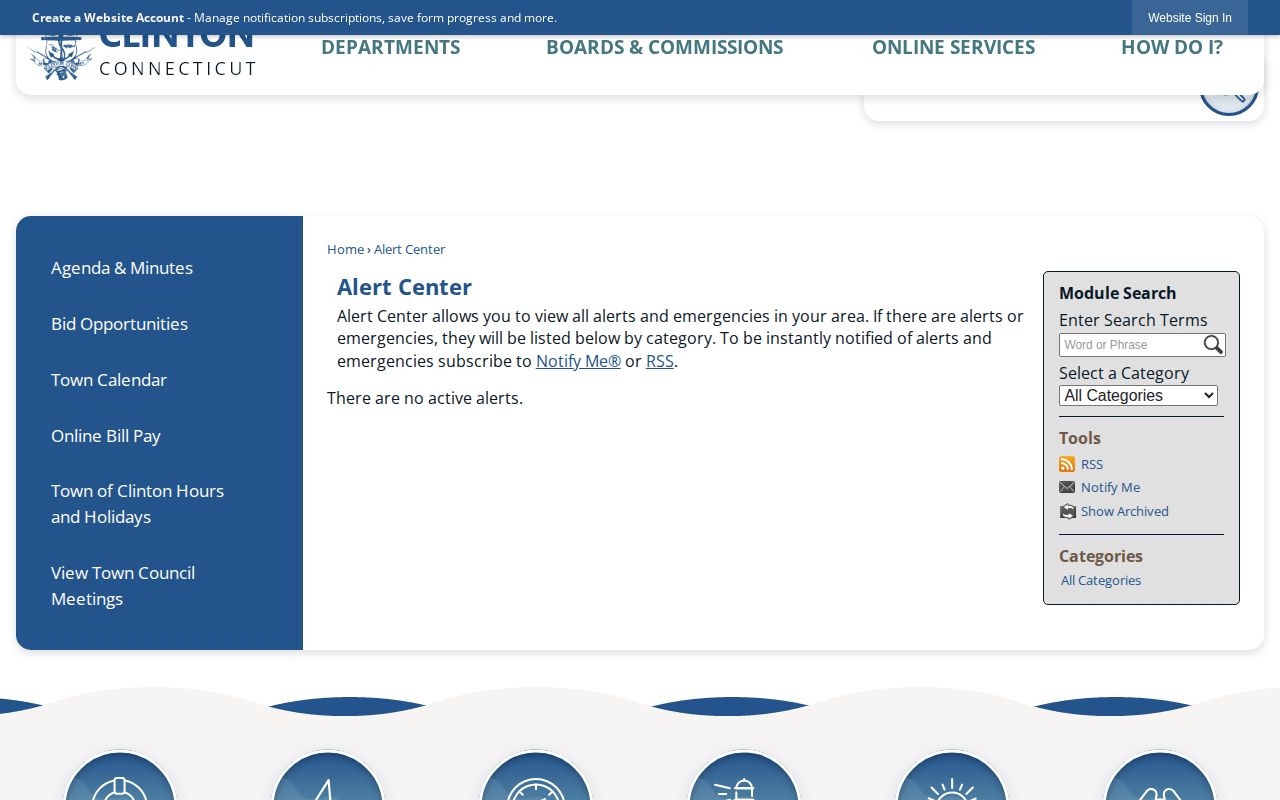
This official alert index can support a records search. Silence there says nothing about whether an arrest happened. Board material from 2016 and 2017 pointed to MyPD and Facebook for police news. Those references are historical. They do not show that a live account publishes every Clinton arrest or booking photographs. Check the department's current links before relying on any of them.
Clinton Arrest Court Follow-Through
An arrest report only covers the police stage. Connecticut's Judicial Branch criminal lookup goes further. It can show the docket, scheduled court activity, case status, and a disposition when publicly available. Treat the online result as a summary. Sealed or protected information stays out of the online result.
The DOC inmate search, though, works on a different track. It applies only after someone enters state custody. A result may include a DOC number, accused or sentenced status, location, admission details, release information, and an image where DOC permits one. A person released after Clinton processing can still have a police and court record. Federal or immigration custody requires its own separate locator.
CT VINE, also called CT SAVIN, sends alerts for supported court and DOC events. Neither Clinton nor Middlesex County runs it. The police desk does not guarantee a same-hour upload. Use the contact details the official service displays, and keep your registration information private.
Clinton Arrest News Verification
For Clinton arrest news, Patch Clinton Police and Fire covers local police and fire events, and CT Insider and the Middletown Press run event-driven regional stories. These outlets are secondary channels. A story can preserve a press release, add local context, or wind up corrected, removed, delayed, or paywalled. None of them functions as a continuous police log.
News images deserve a closer look. A photo may be a courtesy police image, a file photo, or a scene shot. It is not automatically a mugshot. Match the story to the named agency and date first. Then use the police request route and watch for the later court disposition.
Commercial arrest sites look stronger than they are. RecentlyBooked, Mugshots.com, Arrests.org, Mugshots.zone, and Busted Newspaper list no current Middlesex County local section. CTArrests.org carries a stale page. It makes an incorrect Middlesex County sheriff claim. None of these sites can replace Clinton Police, the Judicial Branch, DOC, or VINE.
Clinton Arrest Record Boundaries
Connecticut law opens most arrest information to the public. Still, the right stops at certain doors. Juvenile records stay closed. Erased and sealed cases do too. Victim and witness details, along with anything that could compromise an active investigation, may be withheld or blacked out. Submitting a request form changes none of that. Arrest records also shift as a case moves. The first report lists one set of charges. The prosecutor may reshape them later. Court dockets carry the current charges and outcomes, while DOC custody listings can flip after a transfer or release. Note: keep the source name and date with anything you save. Clinton posts no open web log of arrests, so these boundaries matter more here. The slower path stays honest. Name the agency, ask for the arrest report, follow the docket, and treat custody tools as status checks only.
Older Clinton Arrest Records
Older Clinton records demand the same care. A dead web page proves nothing. The town may still hold the file even if it never went online. A state retention schedule sets rules for how long records are kept, but it does not promise that one specific report or booking photo survived. Start with the Clinton records custodian. Give the date range and the record series you want. If that local route stalls, Connecticut State Library archive channels are the next stop. A newspaper archive can supply a lead too. Note: keep the article date and confirm anything you find against police or court files. Erased and sealed matters cannot be rebuilt from old copies. The goal is simply the current legal status of the official record.
Clinton Police Department Location and Directions
Search Public Records
Sponsored Results